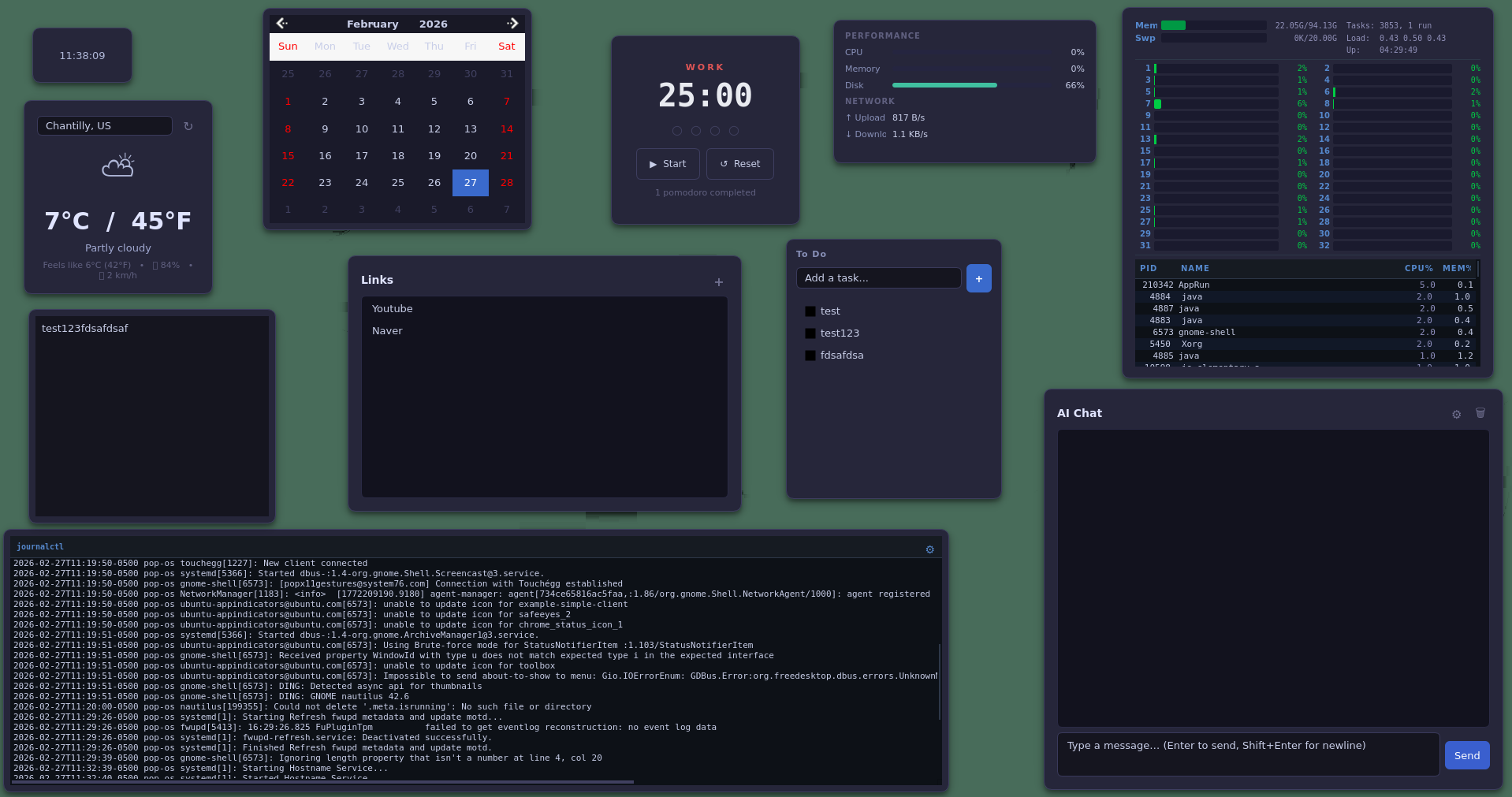
A customizable widget-based desktop dashboard for Linux. Drop in plugins, arrange them freely, and make your desktop work for you.
Drag any widget card to reposition it, grab its edge to resize. The canvas remembers your layout and restores it exactly on next launch.
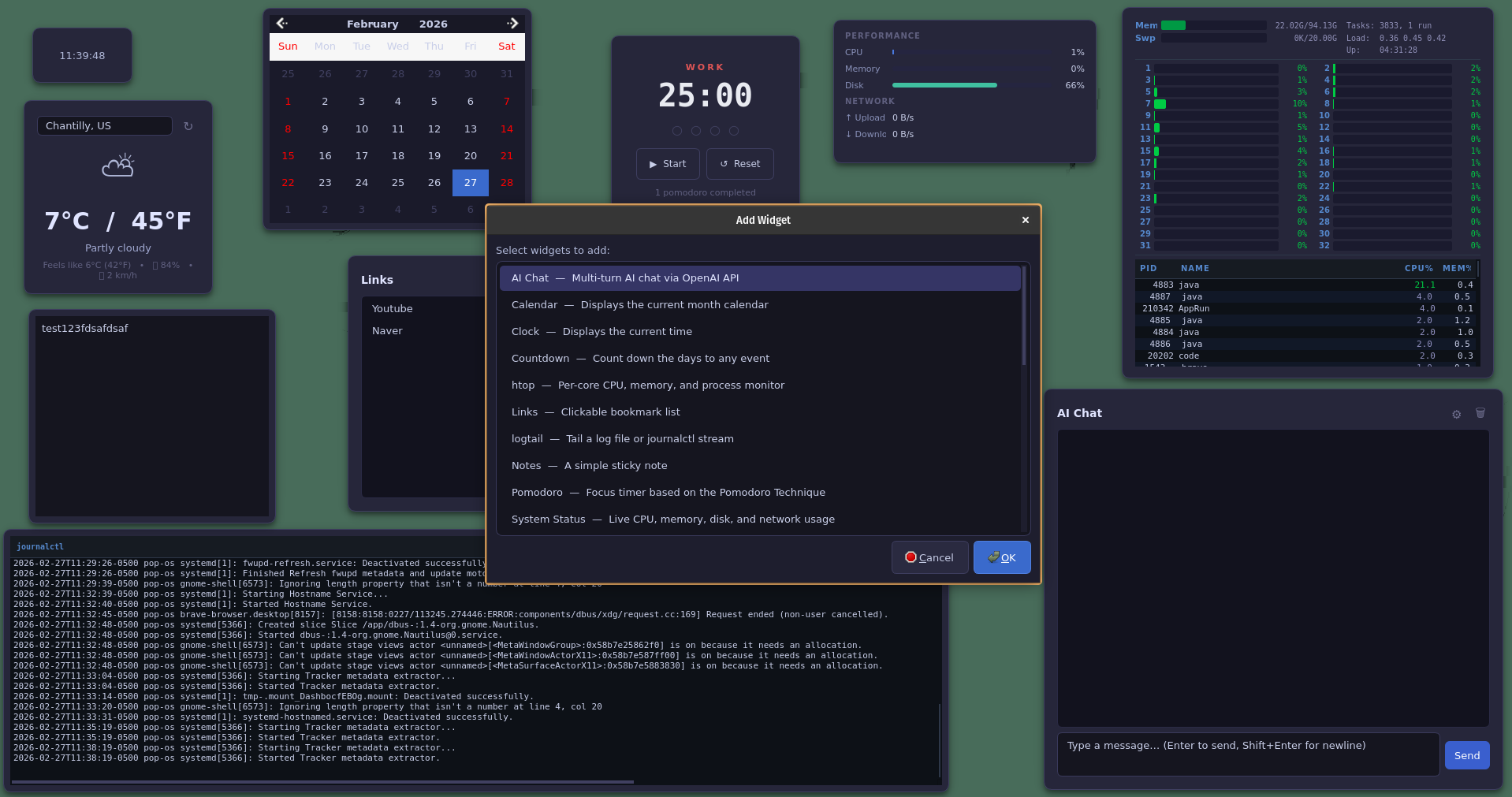
Click Add Widget to see every installed plugin. Drop a .so into the plugins/ folder and it shows up here immediately — no restart required.
Why Dashboard
Drop a .so into the plugins/ directory and it appears instantly in the Add Widget dialog — no restart needed.
Drag and resize widget cards anywhere on screen. Layout and widget state persist automatically across restarts.
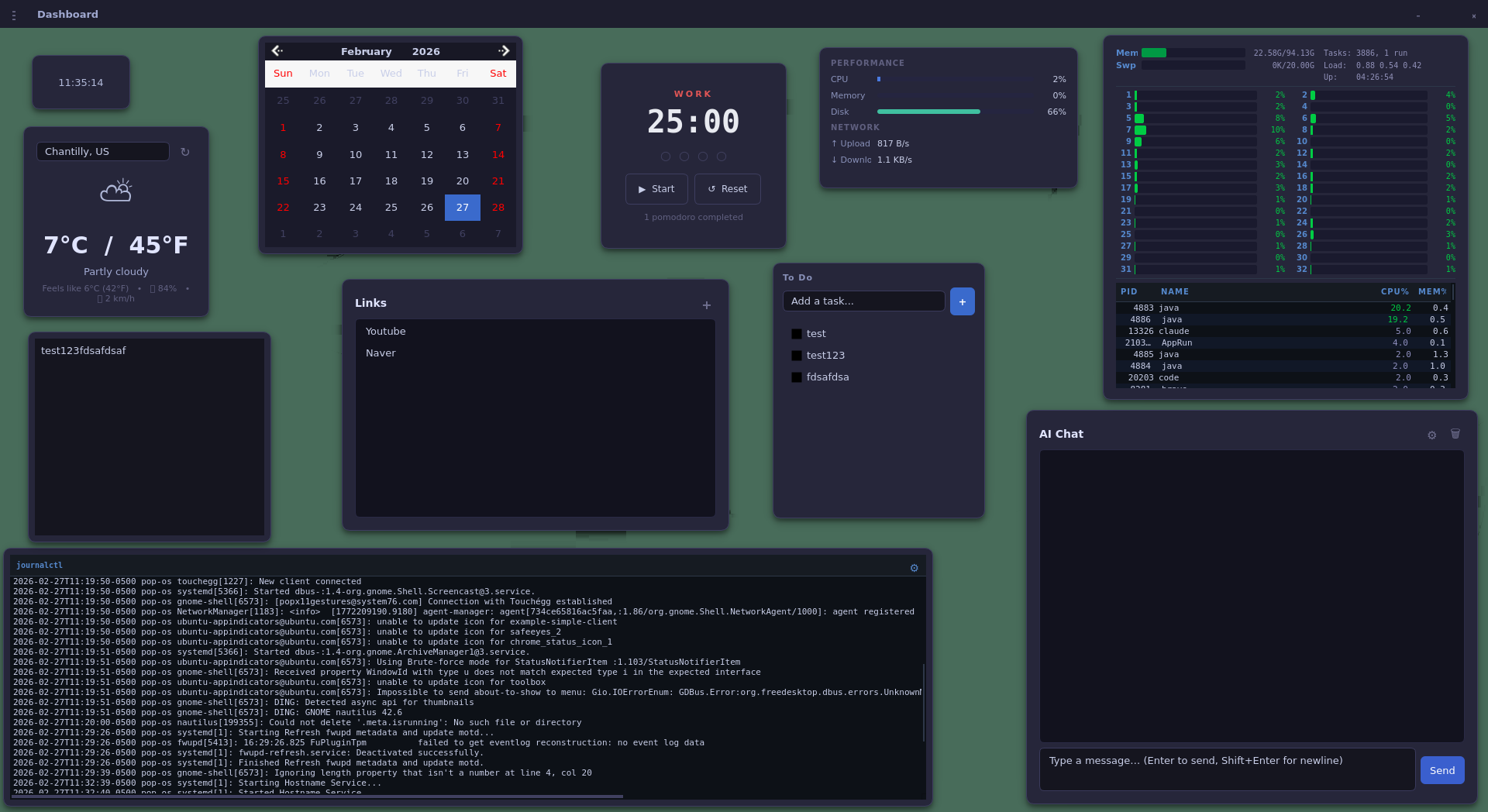
Frameless window with a custom title bar. Set a solid background color with opacity or use your own wallpaper image.
AppImage: one portable file, no install needed. Flatpak: sandboxed and integrated with GNOME/KDE Software. Both bundle all 12 widgets and Qt.
Built-in widgets
Every widget is a standalone plugin with its own repository. Mix and match, or build your own.
Getting started
Choose the format that fits your workflow. Both are available on the releases page.
Grab Dashboard-*.AppImage from the releases page.
chmod +x Dashboard-*.AppImage
Double-click, or from the terminal:
./Dashboard-*.AppImage
Grab Dashboard-*.flatpak from the releases page.
flatpak install Dashboard-*.flatpak
From your app launcher, or from the terminal:
flatpak run io.github.duh_dashboard.Dashboard
For developers
Any shared library that implements IWidget is a valid plugin. The SDK handles the rest.
Install the SDK and use the scaffolding script to generate a complete widget skeleton:
# Install widget-sdk
cmake -S widget-sdk -B build/sdk \
-DCMAKE_INSTALL_PREFIX=~/.local
cmake --build build/sdk
cmake --install build/sdk
# Generate boilerplate
python3 widget-sdk/create-widget.py my-widget
This produces a fully self-contained CMake project ready to build and load into Dashboard.
Implement three methods and you have a working widget:
class MyWidget : public QWidget,
public IWidget {
Q_OBJECT
Q_PLUGIN_METADATA(IID IWidget_iid
FILE "my-widget.json")
Q_INTERFACES(IWidget)
public:
QString name() const override;
QWidget* createWidget(
WidgetContext*, QWidget* parent
) override;
void saveState(QJsonObject&) override;
void loadState(const QJsonObject&) override;
};
See the full guide in the widget-sdk repository.
Source code